Download TOWER Casino for Your Device
How to Download and Install TOWER Casino
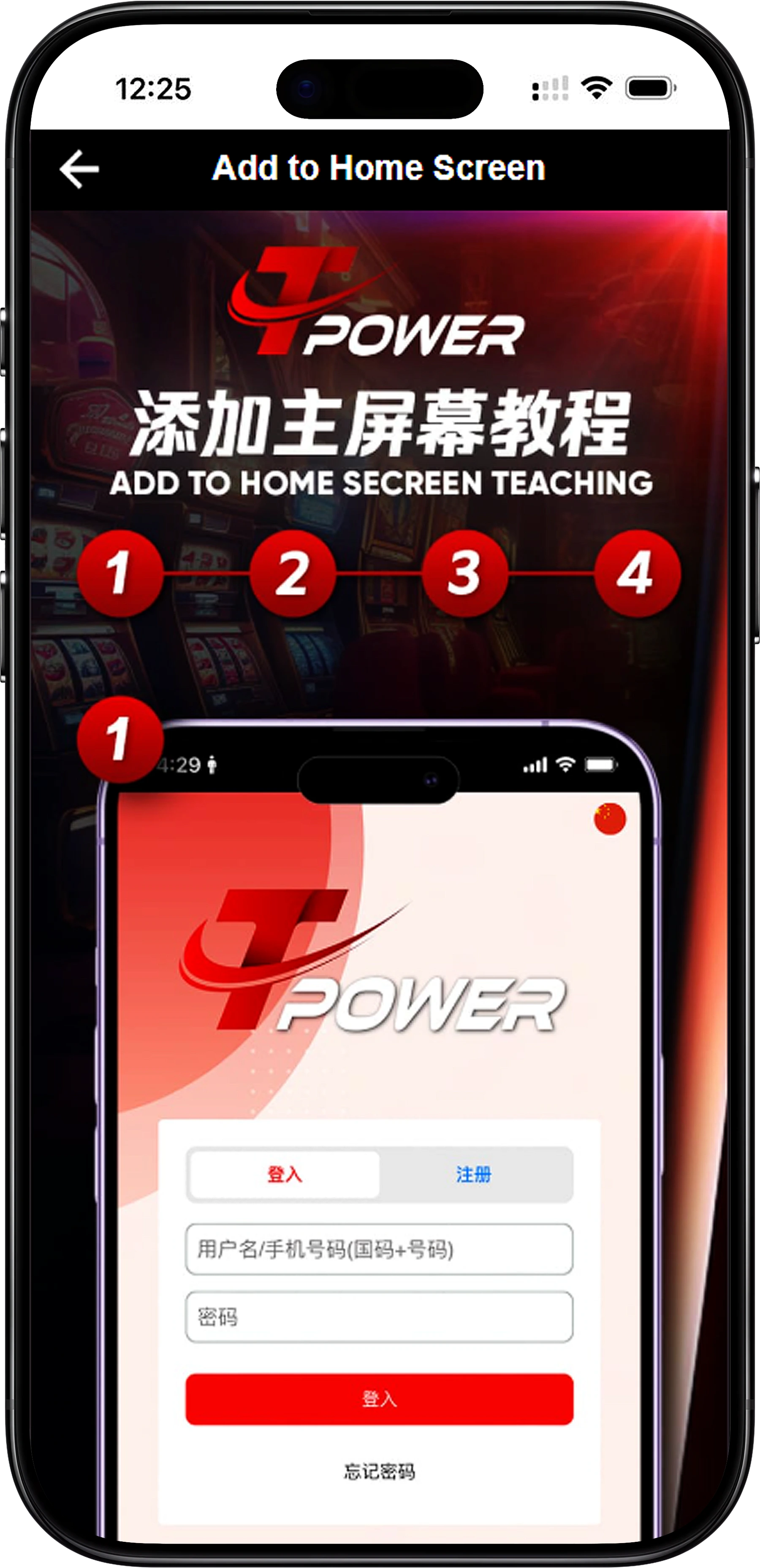
For Android Devices
Experience TOWER Casino on your Android phone or tablet by adding a secure home screen shortcut for instant access.
Step 1: Access via Browser
Open Chrome on your Android device and navigate to the official TOWER Casino website.
Step 2: Open the Browser Menu
Tap the three-dot menu (⋮) in the top-right corner of your browser to open the options.
Step 3: Add to Home Screen
Select "Add to Home screen" from the menu. Name the shortcut (e.g., "TOWER Casino") and confirm. A TOWER Casino icon will now appear on your home screen, functioning like a dedicated app.
For iOS (iPhone & iPad)
Get TOWER Casino on your iOS device by creating a home screen shortcut through Safari for a seamless app-like experience.
Step 1: Use Safari Browser
Open Safari on your iOS device and visit the official TOWER Casino website.
Step 2: Use the Share Function
Tap the Share button (the square icon with an upward arrow) at the bottom of the Safari screen.
Step 3: Add to Home Screen
Scroll and select "Add to Home Screen." Customize the name if desired, then tap "Add." The TOWER Casino shortcut will now be available on your home screen for quick access.
For Windows PC
Access TOWER Casino directly from your Windows desktop by creating a browser shortcut for convenience.
Step 1: Drag and Drop Method
Open your browser (Chrome, Edge, Firefox) and go to TOWER Casino. Drag the padlock icon (🔒) from the address bar to your desktop to create a shortcut.
Step 2: Browser Menu Method
In Chrome, click the three-dot menu, go to "More Tools," then select "Create Shortcut." Name it "TOWER Casino" and confirm.
Step 3: Edge App Method
In Microsoft Edge, visit TOWER Casino, click the menu (⋮), select "Apps," then "Install this site as an app" for a standalone window experience.
For macOS
Enjoy TOWER Casino on your Mac by creating a desktop shortcut that opens in your preferred browser.
Step 1: Safari Shortcut
Open Safari, navigate to TOWER Casino, and drag the URL or padlock icon from the address bar to your desktop to create a .webloc file.
Step 2: Chrome Shortcut
In Chrome, click the menu, select "More Tools," then "Create Shortcut." Name it "TOWER Casino" to place an icon on your desktop.
Benefits of Downloading TOWER Casino
Instant Access and Faster Loading
With a home screen or desktop shortcut, TOWER Casino loads instantly, saving you time and providing a smoother gaming experience.
Enhanced Security
Downloading via the official method ensures you always access the genuine TOWER Casino platform, protecting your account and data.
Full Feature Availability
The downloaded access point provides all features of TOWER Casino, including games, banking, bonuses, and customer support, just like the web version.
Personalized Gaming Experience
Having TOWER Casino readily available allows for quicker sessions, personalized notifications (if enabled), and a more integrated feel with your device.
Get TOWER Casino on Your Device Today
Enjoy premium casino gaming anytime, anywhere. Download TOWER Casino now to access your favorite games swiftly and securely from your home screen or desktop.